From Solo to Shared
A data platform built for one person at a time. Three bets on making it work for teams.
A no-code data platform. Non-engineers connect a data source, transform it, automate the pipeline and read the result, without writing code.
Every workflow belonged to one login, so teams passed passwords around. Handing over a password handed over the connections and every dataset in the account. People did it anyway, because the alternative was not working together.
Three bets
Sharing has to move what you can do, not just what you can see. A fixed set of roles will cover every level of access. People buy at the point of friction, not in a sales call.
Two held
First phase only, measured the month after launch.
The roles bet is the one that broke, and the case study ends on what it cost.
A platform sold two ways
A no-code platform for data journeys: connect a source, transform it, automate the pipeline, read the result. Two ways to buy it. Self-served, where you run your own journey, and enterprise, where the Mammoth team sets it up and maintains it.
The company wanted more of the business self-served. That’s why plan management ended up being a design problem rather than a settings screen.
People were sending each other their passwords
Teams who needed to work together in Mammoth passed their logins around. Not as a workaround someone had invented, but as the only method there was.
Handing over your password handed over your connections and every dataset in the account. People did it anyway, because the alternative was not working together.
Support saw it often enough that the Customer Experience Manager raised it as a pattern rather than a ticket. The same question, over and over, with no good answer: how do I give someone else access.
How I looked into it
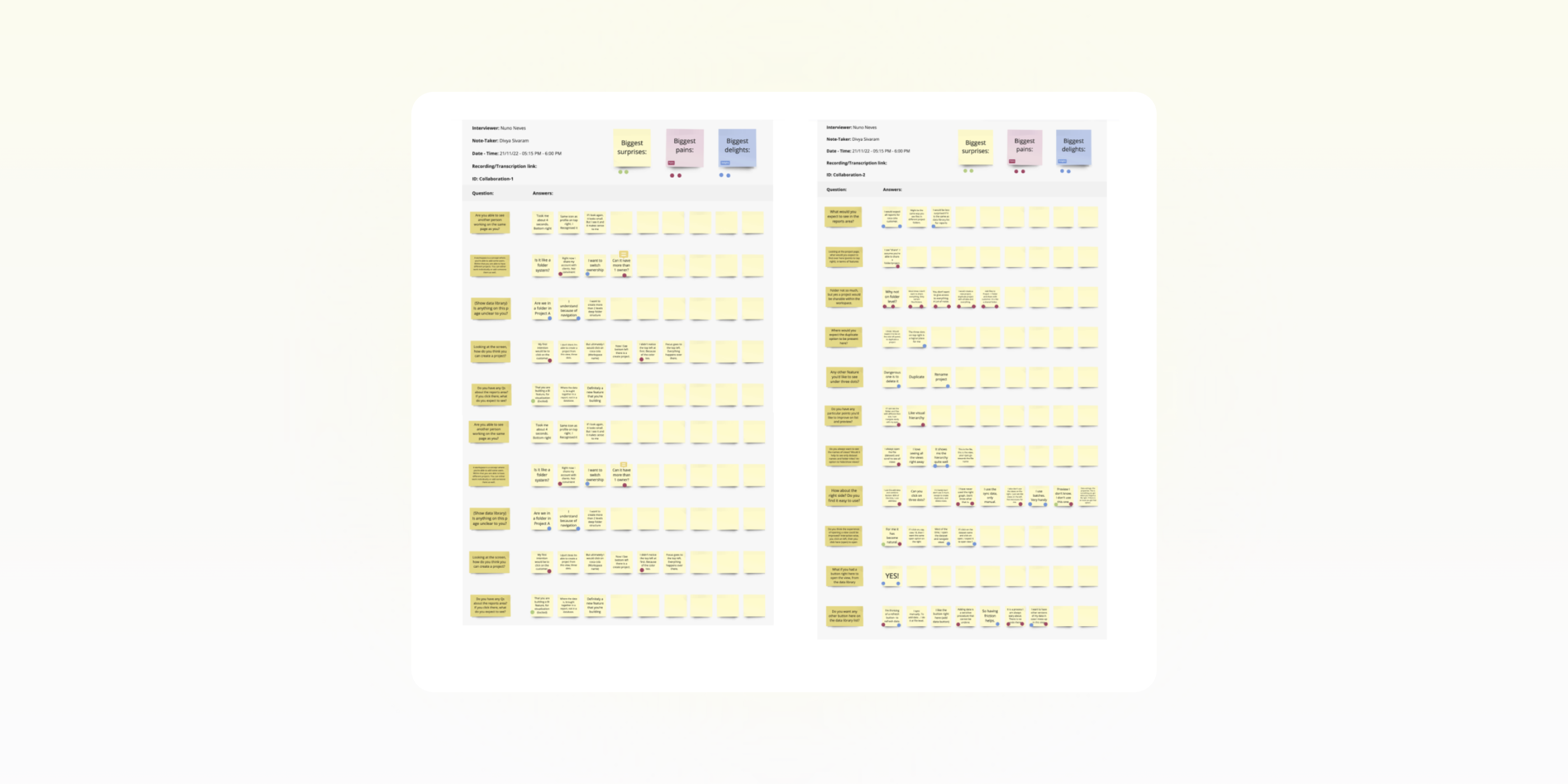
I ran interviews and task analysis with around fifteen users, from both self-served and enterprise accounts, alongside what support was seeing.
What came back was one request meaning different things. Some people wanted finished work opened to their team, so colleagues could see how a result was reached. Others wanted one person, often from outside their team, working hands-on inside something still in progress.
In the product, both of those are the same button. Whatever that button does by default is wrong for one of them: wide and read-only is no use to someone who needs a collaborator, and narrow and hands-on is the wrong shape for showing a team how you got there. That’s the shape of the problem: sharing isn’t a switch, it’s a range, and where you land on it has to be the choice of the person doing the work.
Once there were prototypes to put in front of people, I took the model back to them in usability testing, before handoff. Switching workspaces, inviting and assigning roles tested clean. Onboarding, plan management, upgrading and the project-level role distinction didn’t, and all four were reworked before anything shipped.
One constraint, three problems
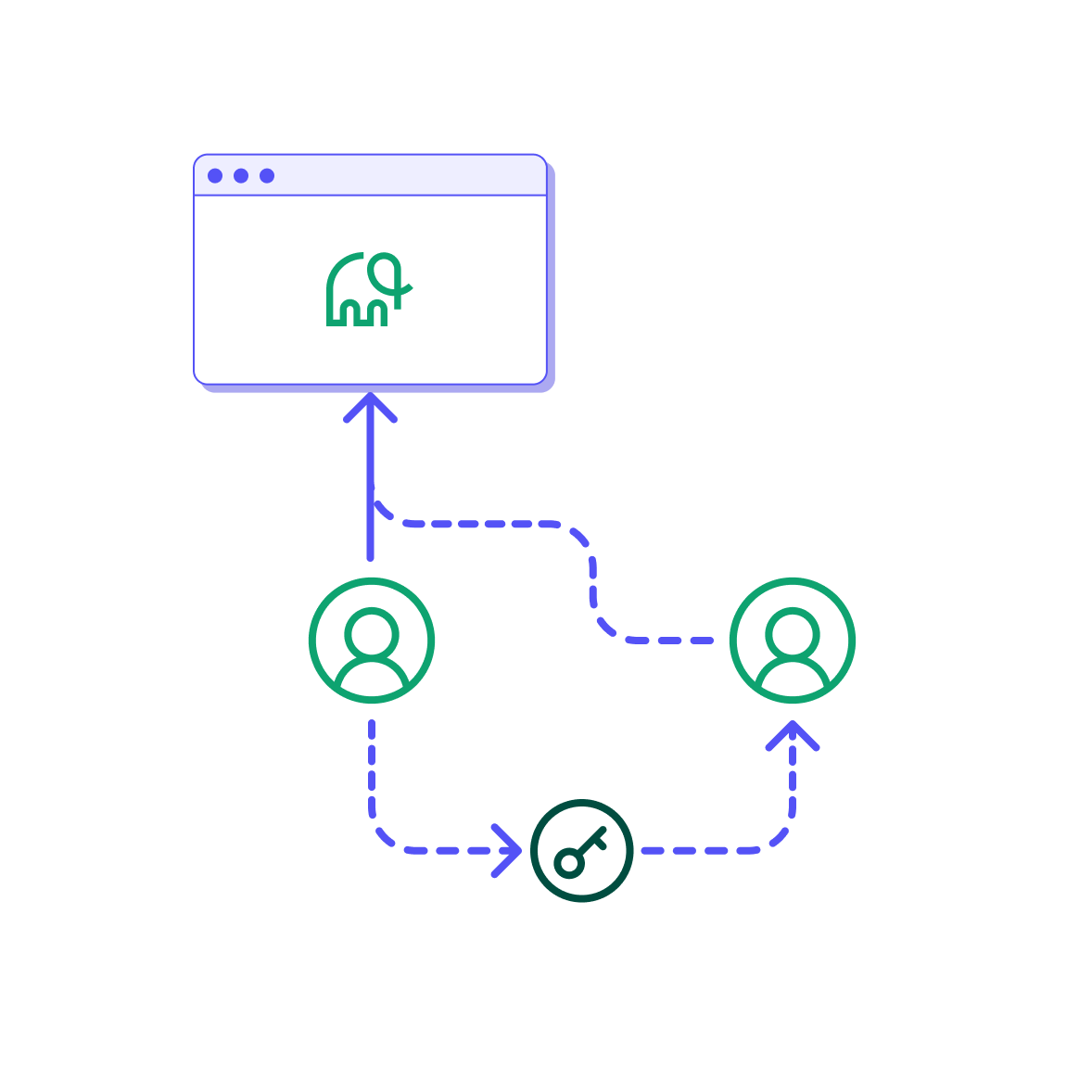
Every version of the request ran into the same constraint. Workflows belonged to an account, and so did data sources: the connections, the credentials, the ability to bring anything new in. All on one login. Sharing your work and sharing your ability to work were the same act, which is why the workaround was a password.
This wasn’t a sharing problem. There was no way to share, but adding one wouldn’t have fixed it. The capability was in the wrong place, attached to a person rather than to the work, and any answer that left it there would leave the bottleneck standing.
Moving it meant attaching the work, the connections and the credentials to a shared space rather than to a person: a workspace. All three bets below assume it.
That broke into three, and each one rested on something I couldn’t verify before building it:
- Sharing work. Where the work lives, and how someone else gets to it.
- Collaborating on a dataflow. Who gets to do what, and who decides.
- Pricing plans. How a company grows without calling sales.
Not all of it could ship at once. Plans and settings infrastructure went first, then the core: workspace navigation, invitations, role assignment. Everything below is that first phase. What to defer we decided early, with Product and Engineering, rather than discovering it when we ran out of runway.
 Before
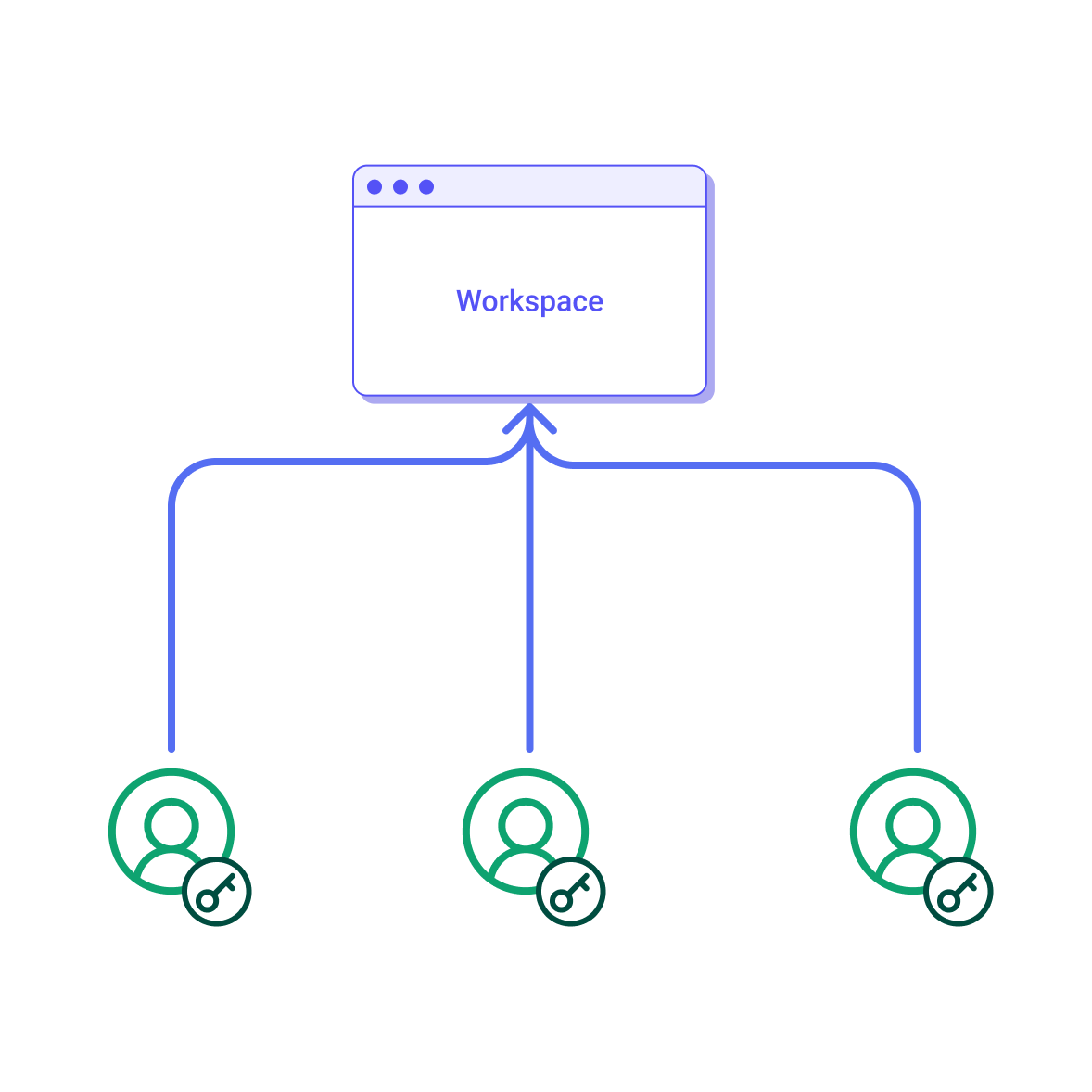 After
After
Sharing work
In the interviews, people wanted colleagues to see a finished piece of work without handing over everything else the login carried. Someone who builds a dashboard wants the team to see the process, not just receive the output. Exporting the dashboard and emailing it was already possible.
AssumptionSharing has to move what you can do, not just what you can see.
Engineering proposed sharing folders. Reasonable: cheaper, no re-architecture, and it fitted the model that already existed. I argued against it.
With folder sharing you’re limited to the set someone shared with you. If you want to connect a new source, you still have to ask them to do it for you. And access would attach to folders, which people make constantly. Every new folder is another place permission lives, spread across a tree with nowhere to check it.
So I put the workspace forward instead: the work, the connections and the credentials attached to a shared space rather than to a person. That’s what we built. It cost us the account re-architecture engineering had been trying to avoid, which was the thing folder sharing existed to dodge. Right trade, not a free one.
Folders stayed. What I argued against was access attaching to them.
Leaving is disconnection, not destruction. Access goes; the work stays in the workspace intact, so bringing someone back, or paying again, restores rather than rebuilds. There is nothing to reassign, because the work belonged to the workspace rather than to them. Owner is the exception, the only tier holding anything nobody else does.
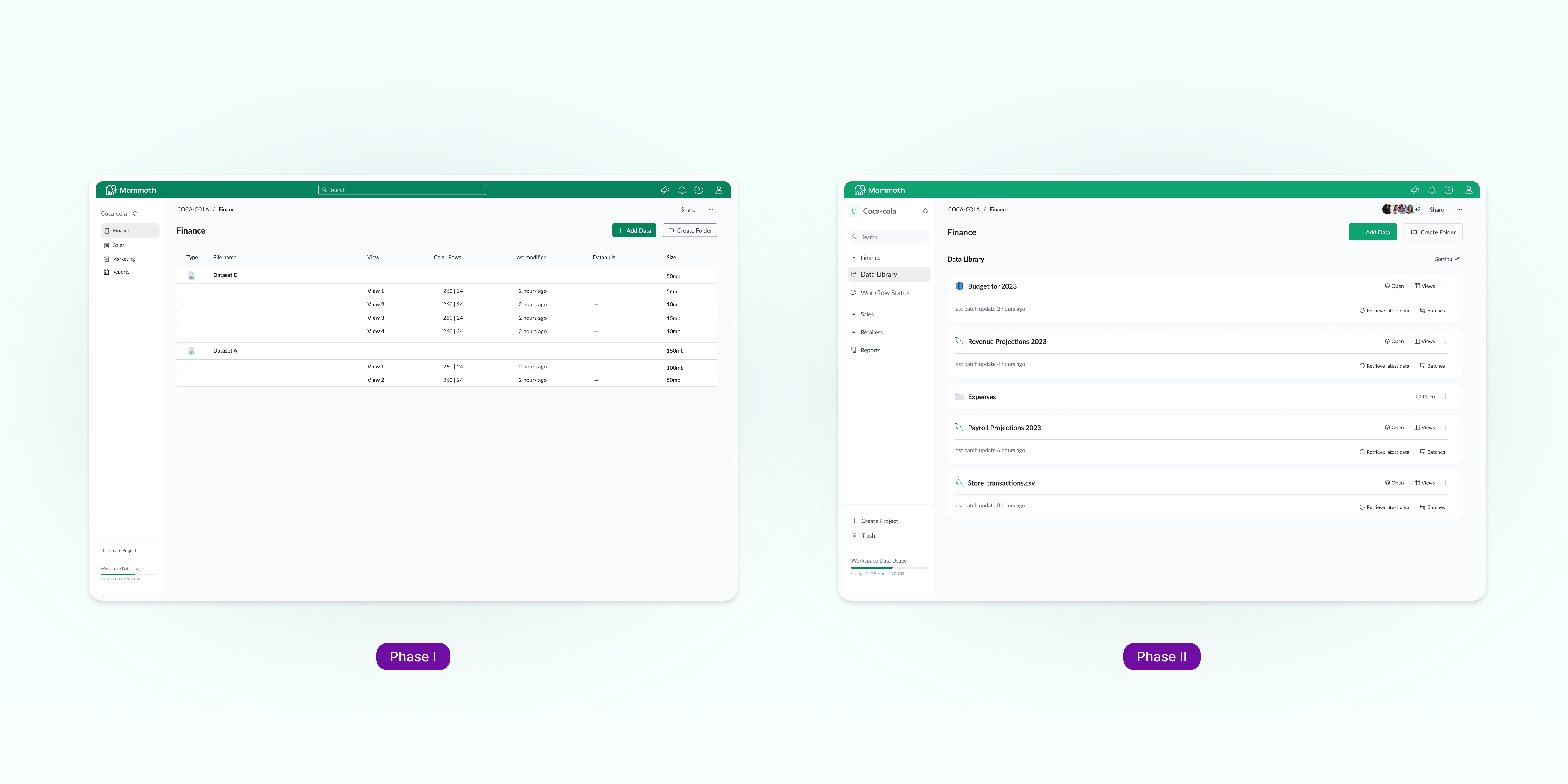
The data library came up on its own in the interviews, often enough that redrawing it came with the work rather than beside it. The version I drew couldn’t ship as drawn. A design-system migration was running in parallel and the components didn’t exist yet. Rather than hold the release, I drafted a second version in the language the product already had, and that shipped instead. The first went into phase two with the rest of the larger design.
Collaborating on a dataflow
The same interviews turned up the opposite instinct. The people who wanted to open work up also wanted to gatekeep it: roles holding different levels of access, and a hierarchy of projects and datasets underneath them.
AssumptionA fixed set of roles will cover every level of access people need.
The work sits at three levels: a workspace, projects inside it, and folders inside those. Access attaches to the workspace and the project. Folders organise; they don’t gate.
At the workspace, three roles. Owner holds full control including billing. Admin manages members, API tokens and data, but not the plan. Analyst reaches the work and nothing else.
| Role | Can | Cannot |
|---|---|---|
| Owner | Everything, billing included | — |
| Admin | Manage members and API tokens, bring in and edit data | Touch billing or the plan |
| Analyst | Reach the work that has been done | Manage members or bring in data |
At the project level the choice was edit or view, and whether the project was private at all. A private project stayed visible to Owner and Admin only. The hard part was keeping this light enough for two people without it falling apart for a larger org.
I argued for more than three. I lost, disagreed, and built it anyway. Three roles kept the first version legible, which was the case against me, and it is a reasonable one.
Three roles is where the bet didn’t hold. Admin bringing in data isn’t incidental, though. It’s what the argument above was for.
Pricing plans
This one didn’t come from users. Collaboration was the business’s route to restructuring pricing around plan tiers, and the open question was where the upgrade moment lives.
AssumptionPeople buy at the point of friction, not in a sales call.
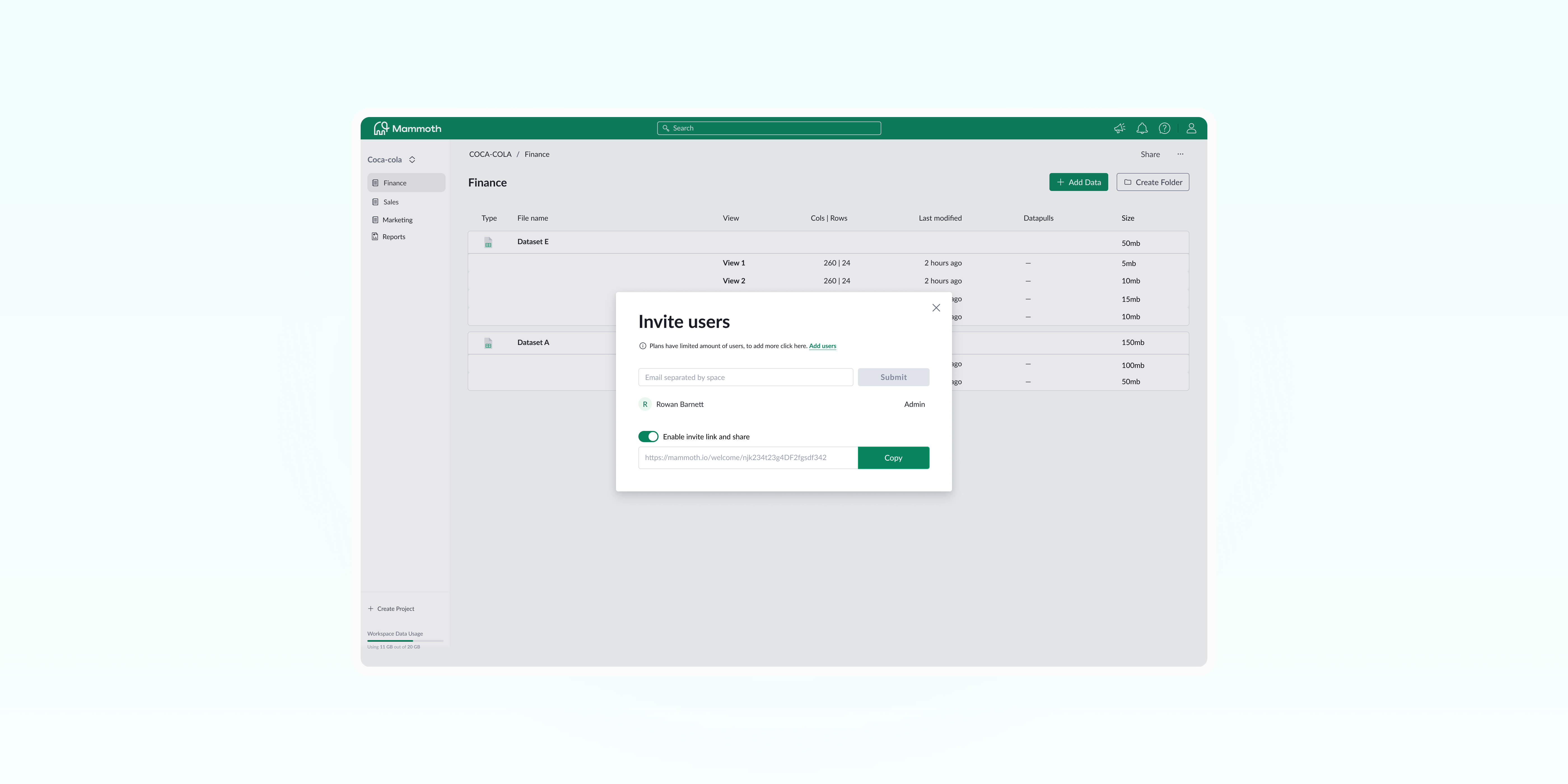
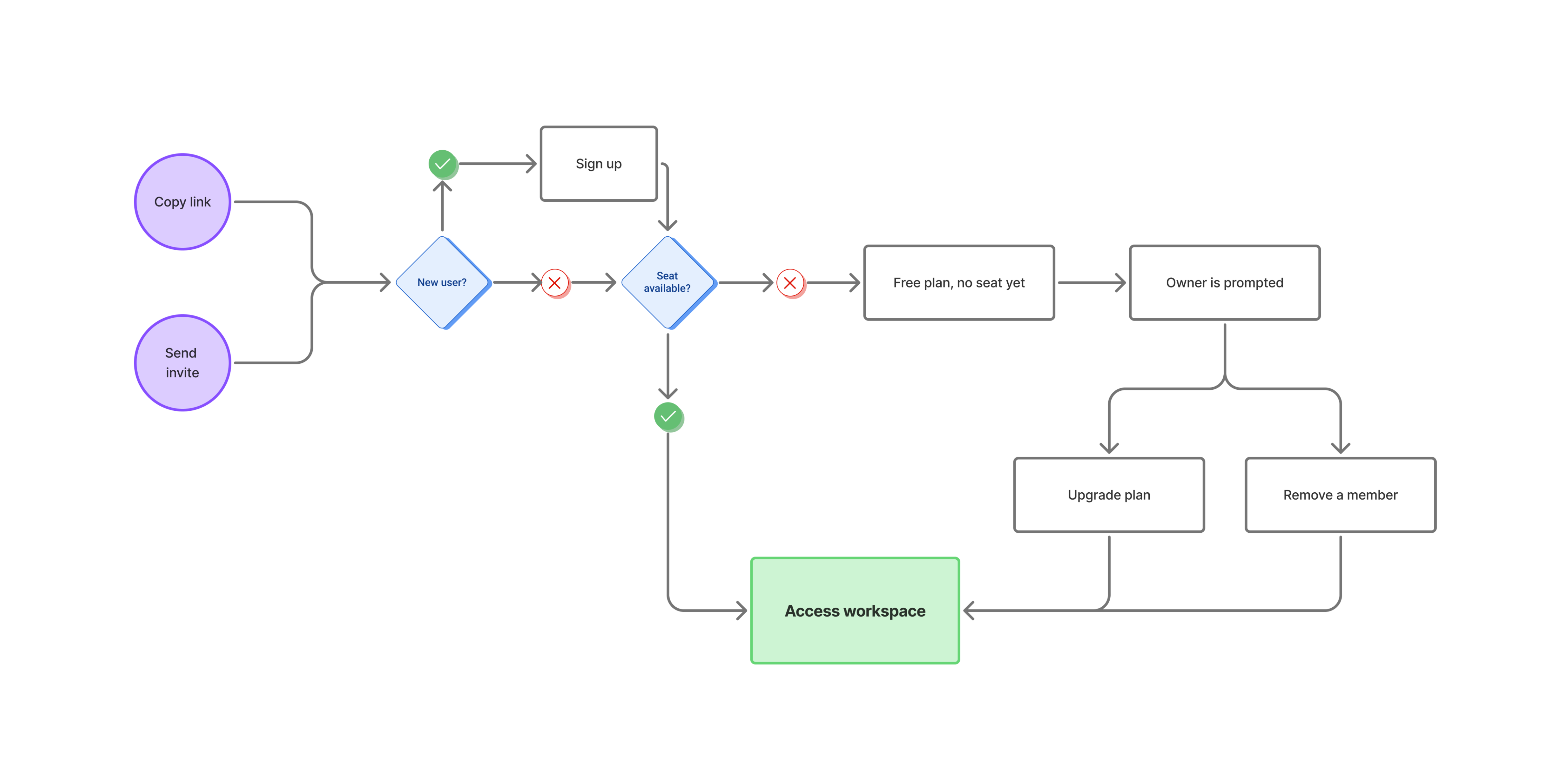
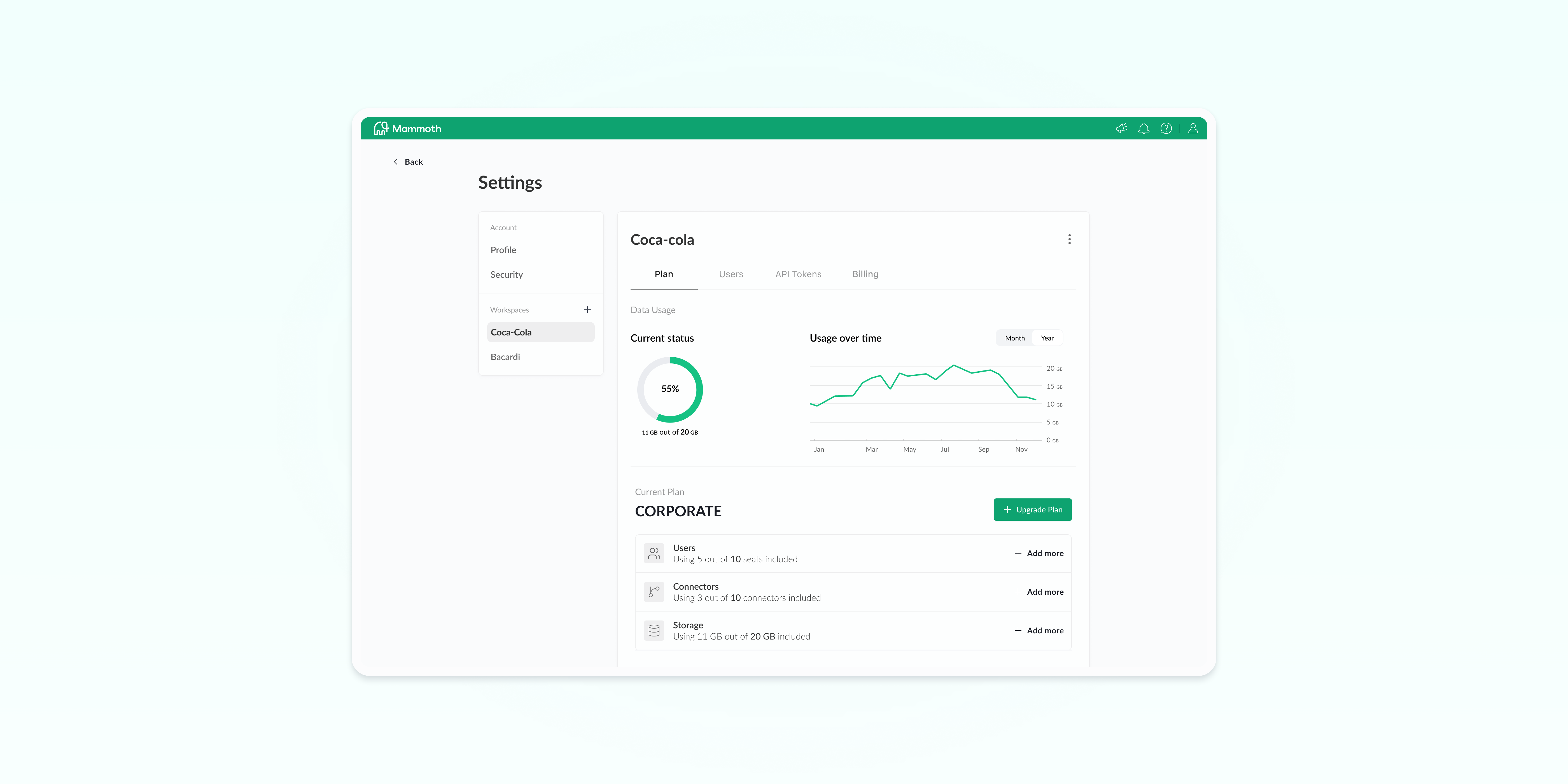
So I attached seats to the workspace rather than to a person, which makes adding one a purchase made before the people arrive. Invitations go out by email or by link. Anyone who already has a Mammoth account also gets it in-app. I bounded the link by seats rather than identity: whoever uses it takes the next available seat, in order of action. When the seats run out, the invite itself shows the limit and prompts the upgrade. A link outlives the seats it was sent with, so the same limit can arrive late, when someone clicks and there’s none left; the prompt then goes to the owner.
Either way the growth lever sits inside the moment someone is trying to add a colleague, rather than in a settings screen.
Data allowance works the same way as seats: a base amount with the plan, toppable with an add-on. Going over them doesn’t. Over on seats, a member loses access, but the work belongs to the workspace rather than to them, so paying again restores it. Over on data, the restrictions arrive in stages: automations stop, access is gated, and the surplus is deleted if nobody brings the workspace back under its limit inside the grace window.
What held, and what didn’t
First phase only. I’d left Mammoth before the rest reached production, and the team measured these over the month after launch. They speak to two of the three bets. Nothing measured the roles.
Pricing held. 67,3% of collaborating workspaces bought seats or moved up a plan. Caveat first: teams that invite people are already the likeliest to grow, so the number partly measures who was going to grow anyway. What changed is where the growth happened, inside the product rather than through a sales call, which is the assumption exactly.
Sharing held. 31,4% of new accounts came from an invite, and 72,1% of everyone invited took an action on a workspace, pipeline or dataset. The first is net new: before this shipped there was no way to invite anyone at all. The second is the one that matters, because accepting an invite proves nothing; an existing user does it in one click. Arriving somewhere you can immediately do something means the capability moved with the invitation.
“I really like this: being able to set up my own space and then just invite someone in when I’m ready feels so much better than what we were doing before.”
The assumptions that broke
The missing middle. Three roles kept the first version legible, and they don’t cover the second case from the interviews: the person who needs one colleague, hands-on, from outside their team. That colleague has to be made an Admin, with member management, API tokens and access to everything. Sending a password gave them too much. So does the role model that replaced it, and by the same margin.
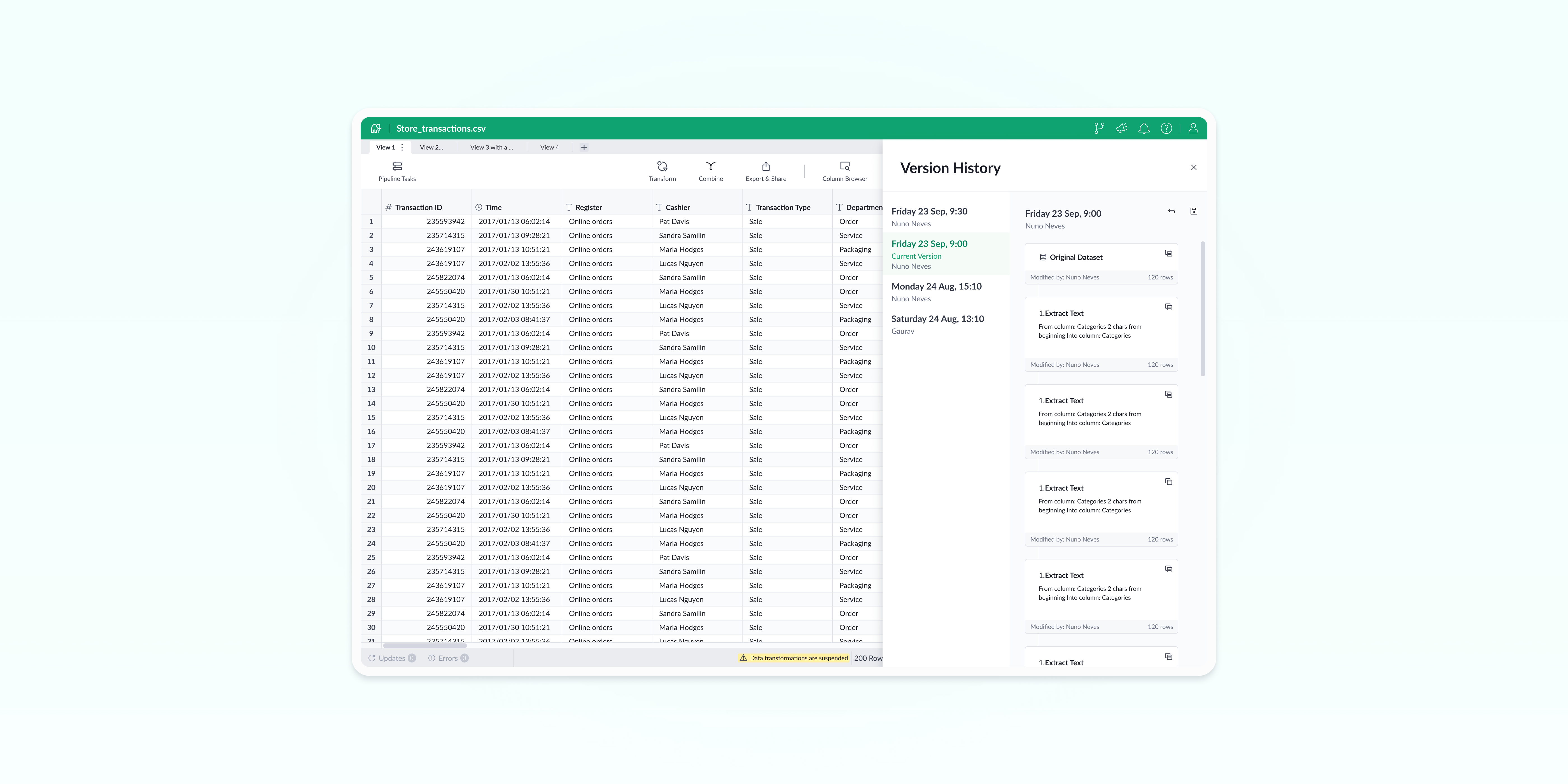
The view that didn’t ship. Phase one gave people a way to work together and almost no way to see what was happening inside a workspace: who was in the data, what had changed, what was running and who set it up. Phase two was where that got answered, with collaborator presence and version control. I left before it reached production.
The connector I didn’t solve is the sharpest case of it. A member connects a data source under their own credentials, an automation runs on it, they’re removed, and a pipeline nobody else can see breaks silently. Forcing re-authentication when they leave is reliable and expensive; a pre-removal notice is cheap and only makes the failure visible. I’d ship the notice and build toward re-auth.
Two failures, different in kind. For the person who needed one colleague it handed over too much. For everyone already inside it said too little.